
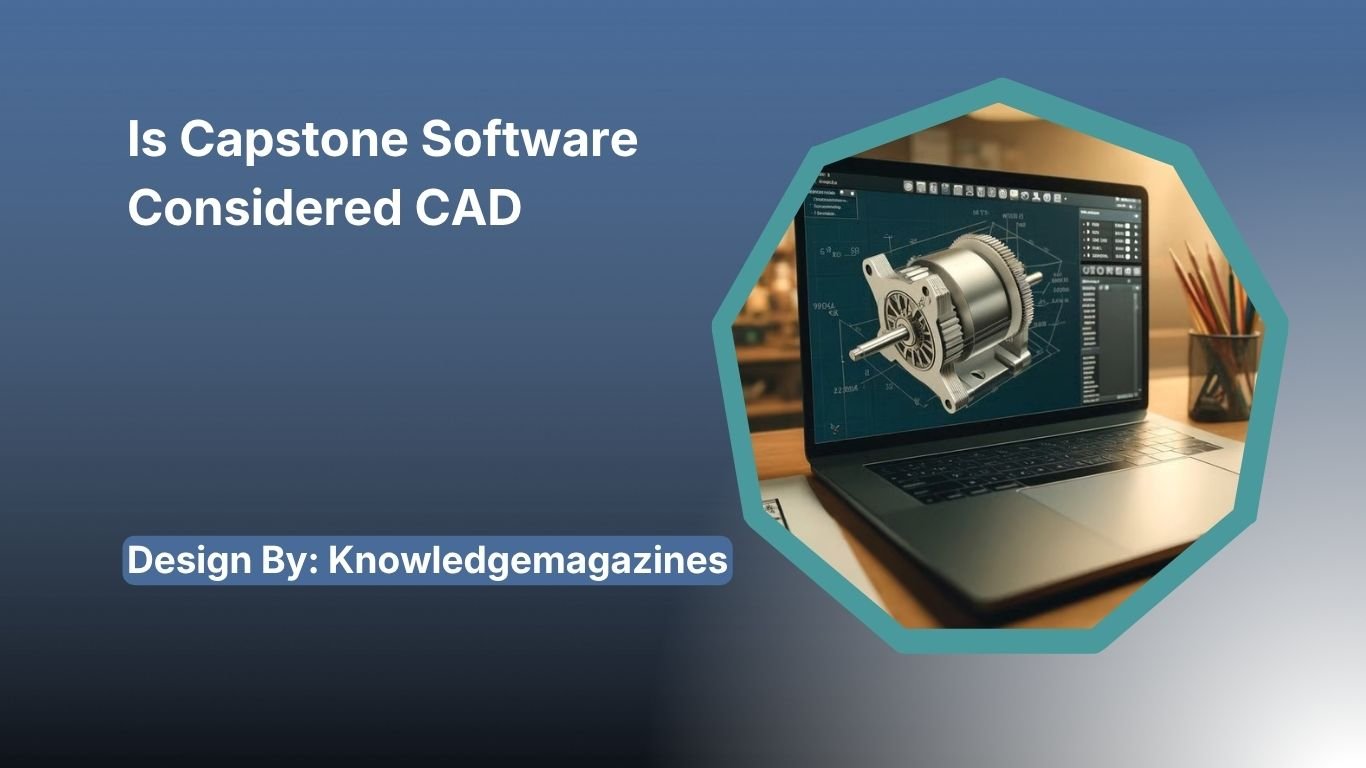
No, Capstone software is not considered CAD software. It specializes in scientific data collection, experiment analysis, and laboratory reporting, while CAD software focuses on designing, modeling, and engineering documentation.
If you’ve been searching for “Is Capstone Software Considered CAD?”, you’re likely an engineering student, educator, or professional trying to understand where Capstone software fits in the engineering workflow. The confusion is understandable because Capstone software is commonly used alongside Computer-Aided Design (CAD) tools in engineering courses and senior design projects.
However, the simple answer is no Capstone software is not considered CAD software.
Instead, it is a specialized application designed for scientific data collection, experiment analysis, graphing, and laboratory reporting. CAD software, on the other hand, is used to create digital models, technical drawings, and engineering designs.
Although both tools are essential in engineering education and product development, they serve completely different purposes. Understanding these differences helps students choose the right software for each stage of a project while improving workflow efficiency.
In this comprehensive guide, we’ll explain what Capstone software is, how it differs from CAD software, where each application fits into engineering projects, and why they are often used together.
What Is Capstone Software?
Capstone software is an advanced scientific data acquisition and analysis platform developed primarily for educational laboratories and engineering experiments. It enables users to connect compatible sensors, collect real-time data, analyze experimental results, and create professional laboratory reports.
Unlike software used for creating mechanical parts or architectural blueprints, Capstone focuses on helping users understand scientific concepts through accurate measurements and data visualization.
Its common applications include:
- Physics laboratories
- Engineering experiments
- Chemistry education
- Biology research
- Motion analysis
- Sensor-based experiments
- STEM education
The software supports numerous laboratory sensors capable of measuring:
- Temperature
- Pressure
- Voltage
- Current
- Force
- Motion
- Acceleration
- Velocity
- Light intensity
- Sound levels
- Magnetic fields
Because of its extensive scientific capabilities, Capstone has become one of the most popular laboratory software solutions in universities worldwide.
What Is CAD Software?

Computer-Aided Design (CAD) software allows engineers, architects, product designers, and manufacturers to create precise digital representations of physical objects.
Rather than analyzing experiments, CAD software helps users design products before they are manufactured.
Most CAD platforms support:
- 2D drafting
- 3D modeling
- Parametric design
- Surface modeling
- Assembly creation
- Product simulation
- Engineering drawings
- Manufacturing documentation
Popular CAD applications include:
- AutoCAD
- SolidWorks
- Fusion 360
- CATIA
- Creo
- Siemens NX
- Onshape
- Inventor
These applications are widely used across industries such as automotive, aerospace, construction, manufacturing, robotics, and industrial design.
Is Capstone Software Considered CAD?
The answer is No. Capstone software does not meet the definition of Computer-Aided Design software.
CAD software is built specifically for designing products, creating technical drawings, generating manufacturing-ready files, and building 3D models.
Capstone software performs none of these functions.
Instead, its purpose is to:
- Collect sensor data
- Display live graphs
- Analyze experiments
- Perform calculations
- Produce laboratory reports
- Support scientific learning
Think of it this way:
A CAD program designs the product.
Capstone software tests the product.
For example, an engineering student designing a robotic arm would first create the model in CAD software. After manufacturing the prototype, sensors could be attached to measure movement, torque, or acceleration. Capstone software would then collect and analyze that data to evaluate performance.
This complementary relationship explains why students often confuse the two programs.
Capstone Software vs CAD Software
| Feature | Capstone Software | CAD Software |
| Purpose | Data collection and analysis | Product design |
| Creates 3D Models | No | Yes |
| Technical Drawings | No | Yes |
| Sensor Integration | Yes | Limited |
| Scientific Graphs | Yes | Limited |
| Laboratory Experiments | Excellent | No |
| Manufacturing Files | No | Yes |
| Engineering Documentation | Limited | Extensive |
| Simulation | Experimental analysis | Design simulation |
| Prototype Design | No | Yes |
The table clearly shows that both applications serve unique but complementary roles.
Why Do People Think Capstone Software Is CAD?
Several reasons contribute to this misconception.
Both Are Used in Engineering
Engineering students often use both programs during the same semester.
CAD software helps create project designs.
Capstone software helps evaluate project performance.
Because they appear in the same workflow, many assume Capstone is another design tool.
Senior Capstone Projects
Universities commonly require students to complete senior capstone projects.
These projects usually involve:
- Brainstorming
- Product design
- CAD modeling
- Prototype fabrication
- Experimental testing
- Performance evaluation
Since Capstone software is frequently used during testing, many students incorrectly associate it with CAD.
Similar Terminology
The word “Capstone” often refers to the final engineering project itself.
Students hear phrases like:
- Capstone project
- Capstone software
- CAD software
This similarity in terminology creates additional confusion.
Key Features of Capstone Software
Capstone software includes numerous scientific tools designed to simplify laboratory work.
Real-Time Data Collection
Capstone records data directly from connected sensors during experiments.
Students can instantly monitor changing measurements without manually recording values.
Interactive Graphing
The software automatically converts experimental measurements into professional graphs.
Users can zoom, compare datasets, calculate slopes, and identify trends quickly.
Video Analysis
Capstone allows motion tracking using recorded videos.
Students studying projectile motion or mechanical systems can measure velocity and acceleration frame by frame.
Statistical Analysis
Built-in analytical tools include:
- Mean
- Median
- Standard deviation
- Curve fitting
- Regression analysis
- Peak detection
These tools improve the accuracy of laboratory investigations.
Laboratory Reporting
Students can combine graphs, images, observations, and calculations into organized reports for submission.
Key Features of CAD Software
CAD software offers a completely different feature set.
Common capabilities include:
- Parametric modeling
- Surface modeling
- Sheet metal design
- Assembly management
- Technical drawings
- Rendering
- Motion simulation
- Finite Element Analysis (FEA)
- CAM integration
- CNC manufacturing support
These features help engineers move from concept to production efficiently.
When Should You Use Capstone Software?
Capstone software is ideal when your goal involves collecting or analyzing scientific data.
Examples include:
- Measuring acceleration during physics experiments
- Recording temperature changes
- Analyzing electrical circuits
- Studying force and motion
- Engineering laboratory testing
- STEM education
If your work depends on sensors and experimental measurements, Capstone is the appropriate choice.
When Should You Use CAD Software?
CAD software is the correct choice when designing physical products.
Use CAD if you need to:
- Create machine components
- Design buildings
- Develop consumer products
- Build 3D prototypes
- Produce manufacturing drawings
- Prepare models for 3D printing
CAD software provides the precision required for engineering design and production.
Can Capstone Software Replace CAD?
No.
Capstone software cannot replace CAD software because it lacks essential design capabilities.
It cannot:
- Create assemblies
- Build 3D models
- Generate engineering drawings
- Export manufacturing files
- Prepare CNC toolpaths
Likewise, CAD software cannot fully replace Capstone because it does not specialize in real-time laboratory data acquisition.
Each program addresses different engineering needs.
How Capstone Software and CAD Work Together?
Modern engineering projects often use both tools.
A typical workflow looks like this:
- Identify the engineering problem.
- Create a digital model using CAD software.
- Manufacture the prototype.
- Install sensors.
- Perform laboratory testing.
- Collect measurements using Capstone software.
- Analyze results.
- Improve the CAD model based on experimental findings.
- Repeat testing until performance goals are achieved.
This iterative design process is widely used in engineering education and industry.
Benefits of Using Both Applications
Using both CAD and Capstone software provides several advantages:
- Better engineering decisions
- Improved product quality
- Faster design validation
- Accurate experimental analysis
- Enhanced problem-solving skills
- Stronger technical documentation
- More successful capstone projects
Students who learn both tools develop practical skills that employers value.
FAQs:
1. Why is Capstone software often confused with CAD software?
Many engineering students use both during capstone projects. CAD software creates designs, while Capstone software tests and analyzes prototypes, making them complementary tools rather than interchangeable applications.
2. Can Capstone software create 3D models?
No. Capstone software cannot create 3D models or engineering drawings. Its primary purpose is collecting sensor data, analyzing experiments, generating graphs, and producing laboratory reports for scientific and engineering education.
3. Which software should engineering students learn first?
Students should learn CAD software for designing products and Capstone software for testing and analyzing prototypes. Understanding both provides a complete engineering workflow from concept to performance evaluation.
4. Can CAD software replace Capstone software?
No. CAD software is designed for product modeling and technical drawings, but it cannot collect live sensor data or perform laboratory experiment analysis like Capstone software does.
5. What industries use Capstone software?
Capstone software is widely used in education, research laboratories, engineering programs, physics, chemistry, biology, and STEM learning environments where real-time data collection and experimental analysis are essential.
Conclusion:
Capstone software is not considered CAD software because it serves a different purpose within engineering and scientific workflows. While CAD software focuses on designing products, creating 3D models, and preparing manufacturing documentation, Capstone software specializes in collecting, analyzing, and visualizing experimental data. Together, these tools support the complete engineering process from product design to testing and validation. Understanding their distinct roles helps students, educators, and professionals choose the right software for successful engineering projects.
Related Post:
- How To Use Immorpos35.3 Software – Complete Guide!
- Why Genboostermark Software Is So Popular – Complete Guide!
- OKR Examples For Software Engineers – Complete Guide!
 mainmyhostinger@gmail.com
  EchoLinkers
[…] cold outreach to generic company addresses, a targeted database allows you to connect directly with software professionals who influence technology decisions, hiring, and software […]
[…] Reduce software switching […]